If you have a website but are not getting enough visitors from Google, you may be wondering how to optimize your website for Google.
Creating a website is only the first step. To increase your website’s search visibility, you need to make sure that search engines can discover, understand, and properly process your pages.
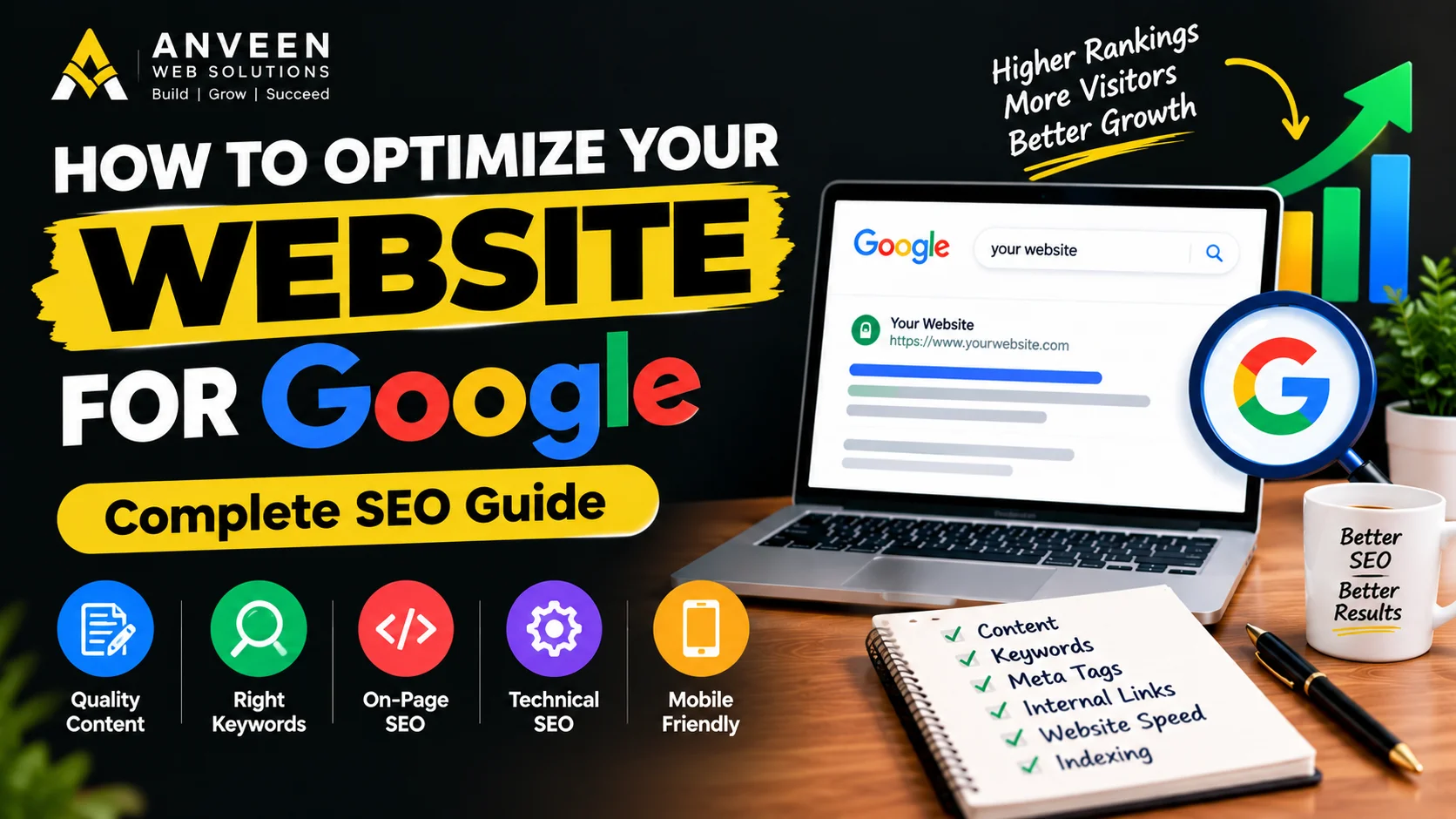
Website optimization involves several areas, including useful content, keywords, page titles, headings, internal links, technical SEO, mobile usability, website speed, and indexing.
In this complete guide, you will learn how to optimize your website for Google step by step, even if you are a beginner.
How to Optimize Your Website for Google
To optimize your website for Google, start by making your website useful, accessible, well-structured, and relevant to what people are searching for.
There is no single setting that automatically makes a website rank at the top of Google.
Instead, website optimization involves improving different parts of your website over time.
Some important areas include:
Search-friendly content
Relevant keywords
Page titles
Headings
URLs
Meta descriptions
Internal linking
Image optimization
Mobile usability
Website speed
Technical SEO
XML sitemap
Google Search Console
Website security
Let’s look at each area in detail.
1. Understand What Your Audience Is Searching For
Before you optimize a website, understand what your potential visitors are looking for.
For example, if you provide website development services, your potential customers may search for:
website development company
website design services
business website development
professional website design
website development cost
SEO services for small business
These searches can help you understand the topics and questions your website should address.
The goal is not to create a separate page for every possible keyword.
Instead, organize your website around useful topics and create pages that genuinely answer relevant searches.
2. Choose Relevant Keywords
Keywords are words and phrases people use when searching online.
When learning how to optimize your website for Google, keyword research can help you understand the language people use to find information, products, and services.
For example, if you write an article about website speed, relevant keywords could include:
website speed
improve website speed
website performance
page speed optimization
make a website faster
Use relevant keywords naturally in your content.
Do not repeat the same keyword in every sentence.
Search engines are designed to understand topics and context, so your content should focus on answering the visitor’s question rather than simply repeating keywords.
3. Create Useful, Original Content
High-quality content is an important part of website optimization.
Your pages should provide useful information that matches the purpose of the page.
For example, if someone searches for:
How to build a website
a useful article should explain the process rather than simply mentioning the phrase several times.
Good content can include:
Step-by-step instructions
Examples
Explanations
Checklists
FAQs
Comparisons
Practical tips
Common mistakes
Try to answer the main question early and then provide additional information for visitors who want more detail.
4. Optimize Your Page Titles
The page title tells visitors and search engines what a page is about.
A good title should be:
Relevant
Clear
Descriptive
Specific
Useful to the reader
For example:
How to Optimize Your Website for Google Search: Complete SEO Guide
is more informative than:
SEO Tips
The title should accurately represent the content on the page.
Avoid creating titles that promise information the page does not actually provide.
5. Use Proper Headings
Headings make your content easier to understand and navigate.
Use one clear H1 for the main page title, followed by H2 and H3 headings where appropriate.
For example:
H1: How to Optimize Your Website for Google Search
H2: Understand What Your Audience Is Searching For
H2: Create Useful, Original Content
H2: Improve Website Speed
H3: Optimize Images
A good heading structure helps readers scan a long article and understand its sections.
6. Write a Useful Meta Description
A meta description is a short summary of a webpage.
It can help users understand what a page is about when they see it in search results.
For example:
Learn how to optimize your website for Google Search with practical SEO tips covering content, keywords, on-page SEO, technical SEO, mobile, speed and indexing.
Make sure the description accurately represents the actual content of the page.
Do not write a misleading description just to attract clicks.
The exact sitemap structure can vary depending on your website and SEO setup.
14. Use Google Search Console
Google Search Console is a useful tool for monitoring your website’s presence in Google Search.
It can provide information about:
Search queries
Clicks
Impressions
Search position
Indexing
Sitemap status
Page-related issues
If you publish a new article, you can use the URL Inspection feature to check the URL and request indexing when appropriate.
However, requesting indexing does not guarantee immediate indexing or a particular ranking position.
15. Check Whether Your Important Pages Are Indexed
Creating and publishing a webpage does not automatically guarantee that it will appear in Google Search.
A page needs to be discovered and processed by search engines before it can potentially appear in search results.
You can use Google Search Console to inspect important URLs and review indexing information.
If your website has pages that are not appearing in Google, investigate possible reasons instead of simply publishing more pages.
For more information, read:
Why Is My Website Not Showing on Google? 10 Reasons and Solutions
This article explains several common reasons why a website or webpage may not appear in Google Search.
16. Improve Your Website Structure
A clear website structure helps visitors find information more easily.
For a small business website, a basic structure might include:
Home
About
Services
Individual service pages
Blog
Contact
Your blog can then contain detailed articles related to your services and audience.
For example, a website development business could publish articles about:
Website design
Website development
SEO
Domain names
Web hosting
Website speed
Mobile optimization
Google Search Console
Connect related pages with useful internal links.
17. Optimize Your Service Pages
If you run a business website, do not focus only on blog articles.
Your important service pages should also clearly explain:
What service you provide
Who the service is for
What is included
How the service works
Important benefits
Frequently asked questions
How customers can contact you
For example, a website development service page should clearly explain the website development services you offer.
The page should be useful even if the visitor has never read your blog.
18. Add Clear Calls to Action
A website should make it easy for interested visitors to take the next step.
Depending on your business, this could be:
Contact us
Request a quote
Call now
Send a WhatsApp message
Book a consultation
Buy a service
Do not add calls to action so aggressively that they make the page difficult to read.
Place them where they make sense.
19. Avoid Keyword Stuffing
One common SEO mistake is keyword stuffing.
Keyword stuffing means repeatedly inserting keywords into content in an unnatural way.
For example, writing:
“SEO website optimization is important because SEO website optimization helps SEO website optimization…”
would create a poor reading experience.
Instead, use your main keyword naturally and cover the topic comprehensively.
For this article, the focus keyword is:
how to optimize your website for Google
It appears in important areas, but the article also uses related phrases such as website SEO optimization, Google SEO, search visibility, and organic traffic.
20. Keep Your Content Updated
SEO is not a one-time task.
Information can become outdated, links can change, and your website may add new services or articles.
Review important content periodically.
When updating an article:
Check facts
Update outdated information
Fix broken links
Improve unclear sections
Add useful information
Improve internal linking
Replace outdated images when necessary
Do not update content just to change the publication date.
Make meaningful improvements when an update is actually useful.
Common Website SEO Mistakes
When learning how to optimize your website for Google, avoid these common mistakes:
Publishing Without a Clear Topic
Every important page should have a clear purpose.
Using Too Many Keywords
More keywords do not automatically mean better SEO.
Ignoring Search Intent
Your page should answer what the visitor is actually looking for.
Creating Duplicate Pages
Avoid creating multiple pages that provide essentially the same information without a clear reason.
Ignoring Mobile Users
Always test your website on smartphones.
Uploading Huge Images
Large images can unnecessarily increase page loading time.
Ignoring Technical Problems
Broken links, crawl issues, incorrect redirects, and other technical problems can affect website accessibility.
Expecting Instant Rankings
SEO usually requires ongoing work and does not guarantee immediate results.
A Simple Google SEO Checklist
Before publishing an important page, check:
Is the topic clear?
Is the content useful?
Did you research relevant search terms?
Is the focus keyword relevant?
Is the focus keyword used naturally?
Is the title descriptive?
Is there a clear H1?
Are H2 and H3 headings organized?
Is the URL clean?
Is the meta description relevant?
Are images optimized?
Is appropriate alt text added?
Are relevant internal links included?
Is the page mobile-friendly?
Is HTTPS working correctly?
Is the website reasonably fast?
Is the page accessible to search engines?
Is the XML sitemap working?
Is Google Search Console connected?
Have important URLs been checked for indexing?
How Long Does It Take for SEO Changes to Show?
One of the most common questions after making SEO changes is how quickly the results will appear.
There is no fixed timeframe.
Search engines need to discover and process changes, and the effect can vary depending on the website, competition, content, technical condition, and other factors.
Some changes may become visible relatively quickly, while broader SEO improvements can take much longer.
Instead of expecting an immediate ranking increase, monitor your website and continue making useful improvements.
Can You Optimize a Website Without an SEO Expert?
Yes, beginners can learn and implement many basic SEO practices themselves.
You can start with:
Better page titles
Useful content
Relevant keywords
Proper headings
Internal links
Image optimization
Mobile-friendly design
Website speed improvements
Search Console
Sitemap management
However, larger websites or technically complex SEO problems may require more advanced knowledge.
The important thing is to start with the fundamentals and improve your understanding over time.
Final Thoughts: How to Optimize Your Website for Google
Learning how to optimize your website for Google is not about finding one secret setting that guarantees a high ranking.
Website optimization is a combination of useful content, relevant topics, good page structure, technical accessibility, mobile usability, internal linking, performance, and ongoing improvements.
Start with the fundamentals.
Make your website easy for visitors to use, make your content useful, organize your pages clearly, and use tools such as Google Search Console to monitor your website.
SEO is a long-term process. Consistent improvements can help create a stronger foundation for your website’s organic search visibility.
Need Professional Website & SEO Help?
If you need help creating or improving a business website, Anveen Web Solutions provides:
Website Development • Website Designing • SEO Services • Domain & Hosting Setup • Custom Website Tools • Website Maintenance
📞 Call / WhatsApp: +91 8920611092
Contact us to discuss your website requirements and online business needs.
One comment
[…] How to Optimize Your Website for Google Search: Complete SEO Guide […]


[…] How to Optimize Your Website for Google Search: Complete SEO Guide […]