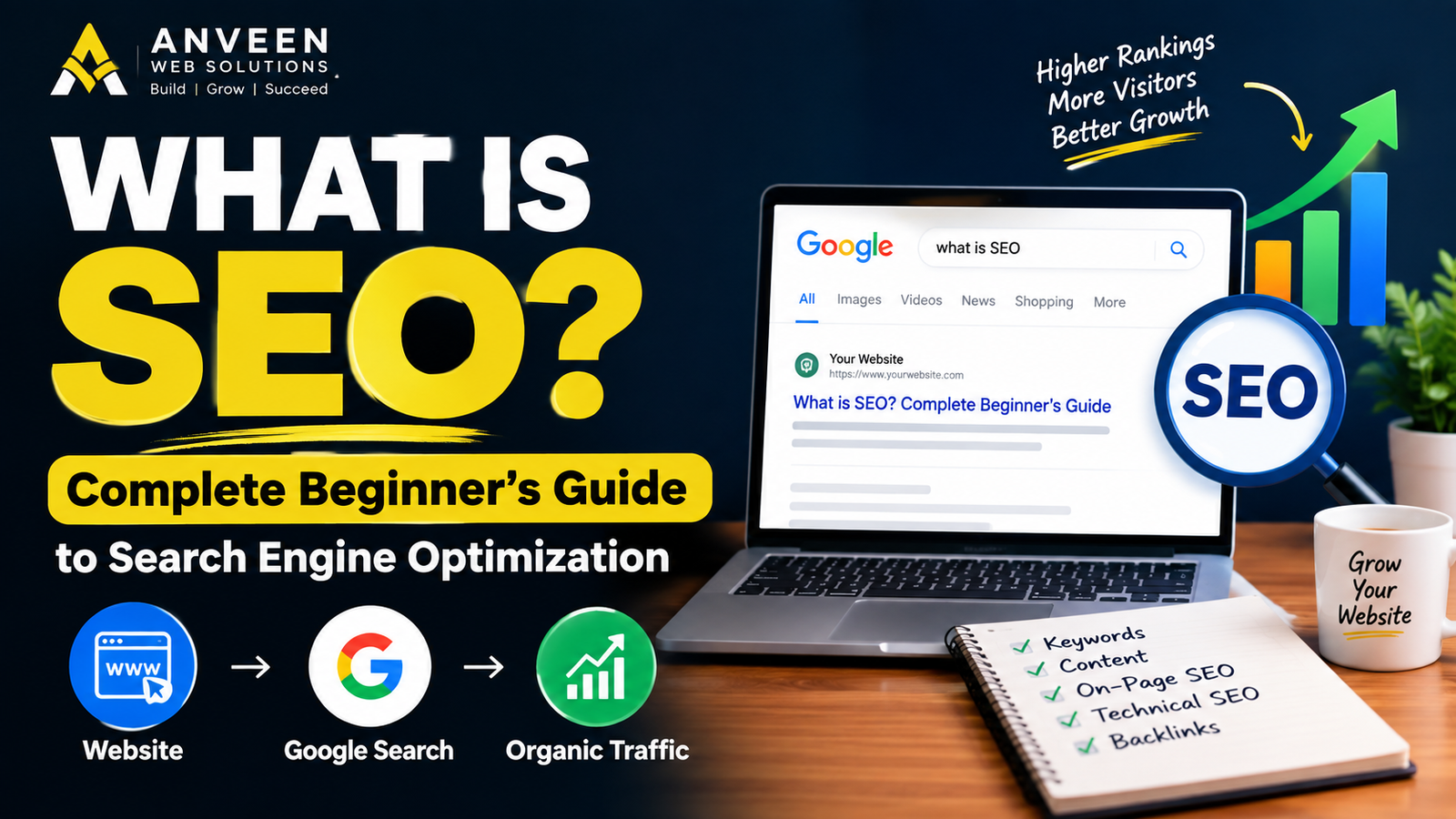
If you have a website but are wondering why it does not appear prominently in Google Search, you may have heard about SEO.
But what is SEO, and why is it important for a website?
SEO stands for Search Engine Optimization. It is the process of improving a website and its content so that search engines can better understand the website and show its pages to people searching for relevant information, products, or services.
In this complete beginner’s guide, you will learn what is SEO, how SEO works, the main types of SEO, the role of keywords, content optimization, technical SEO, Google Search Console, internal links, and practical ways to start improving your website.
What Is SEO?
SEO (Search Engine Optimization) is the process of optimizing a website to improve its visibility in search engine results.
When someone searches for something on Google, Google analyzes many signals to determine which pages may be useful for that search.
For example, if someone searches for:
“website development company“
Google may show relevant websites that provide information or services related to website development.
SEO helps search engines understand:
- What your website is about
- What each page is about
- Which searches your content may be relevant to
- Whether your pages can be crawled and indexed
- Whether your content provides useful information
SEO is not simply about adding keywords to a page. A good SEO strategy combines useful content, website structure, technical improvements, user experience, and other optimization practices.
How Does SEO Work?
To understand what is SEO, it is useful to understand the basic process used by search engines.
Search engines generally discover and process web pages through several stages.
1. Crawling
Search engine crawlers discover websites and web pages by following links and accessing publicly available pages.
If a page cannot be properly accessed or crawled, it may have difficulty appearing in search results.
2. Indexing
After discovering a page, a search engine can analyze and store information about that page in its index.
However, simply publishing a page does not guarantee that it will be indexed.
3. Ranking
When someone performs a search, the search engine determines which indexed pages are relevant to the query and orders the results according to its systems and signals.
This is why creating a website alone does not automatically bring search traffic.
For more information about this issue, you can also read our guide:
Why Is My Website Not Showing on Google? 10 Reasons and Solutions
Internal link:
https://anveentech.in/why-is-my-website-not-showing-on-google-10-reasons-and-solutions-2026-guide/
Why Is SEO Important for a Website?
A website can look professional and still receive very little organic traffic if people cannot find it through search engines.
SEO can help a website improve its visibility for relevant searches.
Some potential benefits include:
- More organic search visibility
- More relevant website visitors
- Better understanding of website content by search engines
- Improved website structure
- Better user experience
- More opportunities to generate enquiries
- Long-term organic traffic potential
For businesses, SEO can be especially useful when potential customers are searching online for the products or services they provide.
What Are Keywords in SEO?
Keywords are words or phrases that people use when searching for information online.
For example, a person might search for:
- website development company
- website design services
- how to build a website
- SEO services
- web hosting for beginners
These search terms can help you understand what people may be looking for.
However, you should not simply repeat the same keyword throughout a page.
Instead, create useful content that naturally covers the topic and related questions.
What Is a Focus Keyword?
A focus keyword is the main search term you are targeting for a particular page or article.
For this article, the focus keyword is:
what is SEO
The keyword should appear naturally in important areas such as the page title, introduction, relevant headings, and body content.
The goal is not to repeat the keyword unnecessarily. The goal is to make the page clearly relevant to the topic.
What Is On-Page SEO?
On-page SEO refers to optimization work performed on the actual webpage and its content.
Important on-page SEO elements include:
Page Title
The title should clearly describe what the page is about.
Headings
Use logical headings such as H2 and H3 to organize your content.
Content
Create useful, original, readable content that addresses the searcher’s needs.
Keywords
Use relevant keywords naturally in the title, headings, introduction, body content, and other appropriate areas.
Meta Description
A good meta description can explain what the page offers and encourage users to visit it from search results.
Internal Links
Internal links connect one page of your website to another relevant page.
For example, an article about SEO can link to another article explaining why a website may not be appearing on Google.
Images
Use relevant images and descriptive alt text where appropriate.
What Is Technical SEO?
Technical SEO focuses on the technical aspects of a website that can affect crawling, indexing, performance, and usability.
Some important technical SEO areas include:
- Website structure
- Mobile responsiveness
- Page speed
- HTTPS security
- XML sitemap
- Crawlability
- Indexability
- Canonical URLs
- Structured data
- Broken links
- Website errors
You do not need to become a programmer to understand the basics of technical SEO.
However, technical problems can sometimes prevent search engines from properly accessing or understanding website pages.
What Is Off-Page SEO?
Off-page SEO refers to activities and signals that happen outside your own website.
One commonly discussed part of off-page SEO is backlinks.
A backlink is a link from another website to your website.
For example, if another relevant website links to one of your useful articles, that can create a backlink.
However, SEO is not about collecting as many links as possible.
The quality, relevance, and context of links are important considerations.
Avoid using spammy or manipulative link-building methods.
How Does Content Help SEO?
Content is an important part of SEO because search engines need information to understand what a page is about.
Useful content should answer the questions visitors actually have.
For example, instead of writing a very short article titled:
SEO Tips
you could create a detailed guide covering:
- What SEO means
- How search engines work
- Keyword research
- On-page SEO
- Technical SEO
- Internal linking
- Website speed
- Mobile optimization
- Search Console
- Common SEO mistakes
The content should be written for people first, with search engines considered during optimization.
What Is Internal Linking in SEO?
Internal linking means linking one page on your website to another page on the same website.
For example, if you are explaining how websites are created, you can link to a related article about building a website.
Internal links can help visitors discover more useful content and can also help search engines understand the relationship between pages on your website.
A good internal linking strategy should use relevant anchor text.
For example:
Learn how to build a website from scratch
can link to:
https://anveentech.in/how-to-build-a-website
Avoid adding unrelated links simply to increase the number of internal links.
Why Is Google Search Console Important for SEO?
Google Search Console is a useful tool for website owners.
It can provide information about how a website performs in Google Search and can help identify certain search-related issues.
You can use Search Console to monitor things such as:
- Search performance
- Search queries
- Impressions
- Clicks
- Average position
- Indexed pages
- Page indexing issues
- Sitemap status
- URL inspection
For a new website, regularly checking Search Console can help you understand how Google is discovering and processing your pages.
Does SEO Guarantee Google Rankings?
No.
SEO can improve a website’s ability to be discovered and understood by search engines, but there is no guaranteed position in Google Search.
Search results can change over time because of many factors, including competition, search intent, content quality, technical factors, and changes to search systems.
Therefore, SEO should be treated as an ongoing process rather than a one-time activity.
How Long Does SEO Take to Work?
There is no fixed time period for SEO results.
A new website may need time to be discovered, crawled, indexed, and build visibility.
The timeline can vary depending on factors such as:
- Website age
- Competition
- Content quality
- Search demand
- Technical condition
- Website authority
- Industry
- Existing backlinks
- SEO strategy
Instead of expecting instant results, focus on consistently improving the website and publishing useful content.
Common SEO Mistakes Beginners Should Avoid
If you are learning what is SEO, it is also important to understand what not to do.
1. Keyword Stuffing
Repeating a keyword excessively can make content difficult to read.
Use keywords naturally.
2. Publishing Very Thin Content
Pages with very little useful information may not satisfy visitors.
Focus on answering the actual search intent.
3. Ignoring Mobile Users
A large number of people browse websites using smartphones.
Make sure your website works properly on mobile devices.
4. Ignoring Website Speed
Slow pages can create a poor user experience.
Optimize images, scripts, hosting, and other performance factors where appropriate.
5. Creating Duplicate Content
Avoid unnecessarily publishing multiple pages with substantially similar content.
6. Ignoring Internal Links
A well-structured website should make it easy for visitors and search engines to discover related pages.
7. Expecting Instant Results
SEO normally requires consistency and patience.
A Simple SEO Checklist for Beginners
If you are starting SEO for your website, use this basic checklist:
- Choose a clear topic for every page
- Research relevant search terms
- Create useful original content
- Use a clear page title
- Organize content with headings
- Write a useful meta description
- Use the main keyword naturally
- Add relevant internal links
- Optimize images
- Make the website mobile-friendly
- Improve website speed
- Use HTTPS
- Create and submit an XML sitemap
- Connect the website to Google Search Console
- Check indexing issues
- Monitor search performance
- Continue improving existing content
SEO vs Paid Advertising
SEO and paid advertising are different ways of getting visibility online.
With SEO, you work on improving your website’s organic search visibility.
With paid advertising, you pay a platform to display advertisements according to your campaign settings.
Both approaches can be useful for a business, but they work differently.
SEO generally focuses on building organic visibility over time, while paid advertising can provide visibility through advertising campaigns while the campaign is active.
A business can use one approach or combine multiple digital marketing strategies depending on its goals.
Should Every Business Have an SEO Strategy?
Not every business needs the exact same SEO strategy.
A local business, online store, service provider, publisher, and large company can have very different SEO requirements.
For example, a local service business may focus on searches related to its services and service area.
An online store may focus on product pages and category pages.
A blog may focus more heavily on informational searches.
The right SEO approach depends on the website, audience, competition, and business goals.
How to Start SEO on Your Own Website
If you are a beginner, do not try to optimize everything at once.
Start with the basics.
Step 1: Understand Your Audience
Think about what your potential visitors are searching for.
Step 2: Create Useful Pages
Make sure your website has clear pages for your important services, products, or information.
Step 3: Improve Existing Content
Review old pages and update information where necessary.
Step 4: Add Internal Links
Connect related articles and pages.
Step 5: Check Technical Issues
Make sure important pages can be accessed and that your website works properly on mobile devices.
Step 6: Monitor Search Console
Use Google Search Console to understand how your website is appearing in search.
Step 7: Keep Publishing Useful Content
Create content that answers genuine questions related to your business and audience.
Final Thoughts: What Is SEO?
So, what is SEO?
SEO is the process of improving a website so search engines can better discover, understand, and present its pages for relevant searches.
It includes many areas, including content, keywords, website structure, internal links, technical SEO, mobile usability, page speed, and search performance.
SEO is not a magic shortcut for getting instant Google rankings. It is an ongoing process that requires useful content, a technically sound website, and consistent improvement.
If you are building a new website, understanding SEO from the beginning can help you create a stronger foundation for future organic traffic.
Need Help With Your Website?
If you need professional help with your business website, we provide services including:
Website Development • Website Designing • SEO Services • Domain & Hosting Setup • Custom Website Tools • Website Maintenance
📞 Call / WhatsApp: +91 8920611092
You can contact Anveen Web Solutions to discuss your website requirements and online business needs.