10 Reasons and Solutions
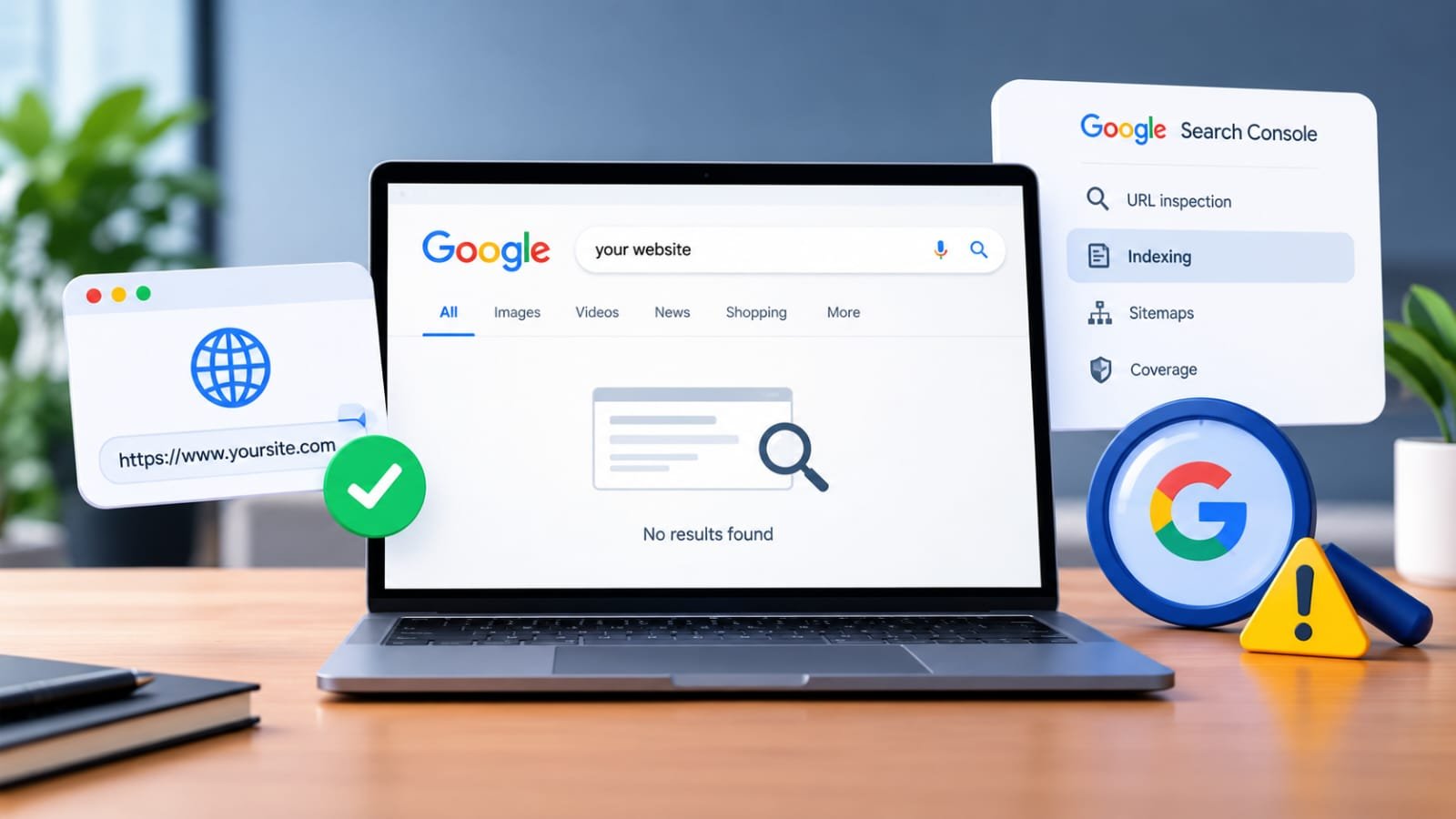
You have created a website, published your pages, and made your business available online. But when you search for your website on Google, it does not appear.
This is a common concern for website owners, startups, and businesses. A website being live does not always mean that Google has discovered, crawled, indexed, and ranked it.
In this guide, we will explain why your website may not be showing on Google and what you can do to improve its visibility.
Is Your Website Live but Not Showing on Google?
Before fixing the problem, it is important to understand the difference between these terms:
Live website: Your website is accessible through its URL.
Crawled website: Google has visited and analyzed your website.
Indexed website: Google has stored your website or page in its search index.
Ranking website: Your page appears in search results for a specific keyword.
A website can be live but not indexed. It can also be indexed but not rank highly for competitive keywords.
1. Your Website Is Too New
If you recently launched your website, Google may not have discovered or indexed all your pages yet.
New websites generally have limited online history, backlinks, and search signals. Google needs time to discover and evaluate their content.
What You Can Do
Submit your website to Google Search Console.
Submit your XML sitemap.
Publish useful, original content.
Make sure important pages are internally linked.
Avoid expecting immediate rankings after launching.
Important: There is no guaranteed fixed time for Google indexing. Some pages may be discovered quickly, while others can take longer.
2. Your Website Has Not Been Submitted to Google Search Console
Google Search Console is a free tool that helps website owners monitor their website’s presence in Google Search.
It allows you to inspect URLs, submit sitemaps, and identify indexing issues.
How to Set Up Google Search Console
Open Google Search Console.
Add your website property.
Verify ownership.
Open the Sitemaps section.
Enter your sitemap URL.
Submit the sitemap.
Use URL Inspection to check important pages.
For many WordPress websites, the sitemap may look like:
https://yourwebsite.com/sitemap_index.xml
The exact sitemap URL depends on your SEO plugin and website setup.
3. Your Website Pages Are Not Indexed
Even if your website is live, individual pages may not be included in Google’s index.
To check whether a page is indexed, you can use Google’s search operator:
site:yourwebsite.com
For example:
site:anveentech.in
This can help you find pages from your domain that Google has indexed.
However, this search is not a complete diagnostic tool. For a more reliable status, use the URL Inspection tool in Google Search Console.
How to Request Indexing
Open Google Search Console.
Select your website property.
Paste the page URL into URL Inspection.
Review the indexing status.
If eligible, click Request Indexing.
Requesting indexing does not guarantee immediate indexing or ranking.
4. Your Website Has a Noindex Tag
A noindex instruction tells search engines not to include a page in their search index.
This can happen because of:
SEO plugin settings
WordPress visibility settings
Development or staging configurations
Incorrect page-level SEO settings
What to Check
In WordPress, review your SEO plugin settings and confirm that important pages are set to allow search engines to show the content in search results.
You can also inspect the page’s source code for a directive such as:
Note: Do not remove technical directives unless you understand their purpose. Some pages, such as private or utility pages, may intentionally use noindex.
5. Your Website Is Blocking Search Engines
Your website may accidentally prevent search engines from crawling it.
One common place to check is the robots.txt file.
For example:
https://yourwebsite.com/robots.txt
A robots.txt file can contain rules that restrict access to certain areas of a website.
What You Should Check
Is your entire website accidentally blocked?
Are important directories restricted?
Is the website still using a temporary development setting?
Are there server-level restrictions?
A properly configured robots.txt file should allow search engines to access the pages you want indexed.
6. Your Website Has Technical SEO Issues
Technical problems can affect how search engines access and understand your website.
Common issues include:
Broken links
Incorrect redirects
Server errors
Slow-loading pages
Mobile usability problems
Incorrect canonical tags
HTTPS or SSL issues
Duplicate URLs
How to Improve Technical SEO
Make sure your website loads correctly.
Use HTTPS.
Fix broken internal links.
Check important pages in Google Search Console.
Ensure your website works properly on mobile devices.
Keep WordPress, themes, and plugins updated.
Technical SEO is not only about rankings. It also helps users and search engines access your content properly.
7. Your Website Content Is Too Thin or Not Useful
Google aims to show content that is useful and relevant to searchers.
If a page contains very little information, repeated generic text, or content that does not answer the user’s question, it may struggle to gain visibility.
Improve Your Content By
Answering a specific search query.
Explaining the topic clearly.
Adding relevant examples.
Using descriptive headings.
Avoiding unnecessary keyword repetition.
Publishing original and helpful information.
Updating outdated information when necessary.
For example, instead of publishing a page titled Website Development Services with only two lines, explain:
What services you provide
Who the service is for
What the process includes
What technologies you use
What customers can expect
How they can contact you
8. Your Website Does Not Have Internal Links
Internal links connect one page of your website to another.
They help visitors discover related content and help search engines understand the structure of your website.
For example, a blog about website costs can link to:
Website Development Services
WordPress vs Custom Website
Website Building Tutorial
SEO Services
Example Internal Link Sentence
If you are planning to create a business website, explore our Website Development Services to understand how a professional website can support your online presence.
Internal links should be natural and relevant. Avoid adding links only for the sake of SEO.
9. Your Website Has Very Little Online Authority
New websites may have limited external references, mentions, and backlinks.
A backlink is a link from another website to your website. Relevant and trustworthy references can help search engines discover your content and understand its context.
Ways to Build a Natural Online Presence
Create useful original content.
List your business on relevant, legitimate directories.
Maintain accurate business information.
Share helpful resources.
Build relationships with relevant websites.
Avoid buying spammy backlinks.
Warning: A large number of low-quality backlinks does not automatically improve SEO and may create problems.
10. Your Website Is Indexed but Not Ranking
Sometimes the issue is not indexing. Your website may already be indexed but may not appear on the first page for your target keywords.
This can happen because of:
High competition
Weak search relevance
Limited content depth
Poor keyword targeting
Stronger competing websites
Lack of authority
Search intent mismatch
What You Can Do
Target specific, relevant keywords.
Create content that matches search intent.
Improve page titles and descriptions.
Add useful information that competitors may not cover.
Strengthen internal linking.
Monitor performance in Google Search Console.
Focus on long-term SEO improvements.
Remember: Being indexed and ranking highly are two different things.
How to Check Your Website’s Google Indexing Status
Follow these steps:
Step 1: Open Google Search Console
Log in and select your website property.
Step 2: Use URL Inspection
Enter the exact URL of the page you want to check.
Step 3: Review the Result
Look for information about whether the URL is:
Indexed
Not indexed
Crawled but currently not indexed
Discovered but currently not indexed
Blocked by a technical issue
Step 4: Fix the Relevant Issue
The solution depends on the reason shown in Search Console.
Step 5: Monitor Your Website
After making changes, continue monitoring your important pages and search performance.
How Long Does Google Take to Index a Website?
There is no guaranteed indexing timeline.
Google may discover and index some pages quickly, while other pages may take longer depending on factors such as:
Website structure
Content quality
Crawl accessibility
Internal links
Website popularity
Technical issues
Google’s own crawling and indexing systems
Submitting a sitemap or requesting indexing can help Google discover URLs, but it does not guarantee indexing or ranking.
Frequently Asked Questions
Why is my website not showing on Google after publishing?
Your website may be new, not indexed, blocked from crawling, or not ranking for the keywords you are searching. Check Google Search Console for more information.
How do I get my website indexed by Google?
Set up Google Search Console, submit your XML sitemap, ensure important pages are crawlable, and request indexing for individual URLs when appropriate.
Does buying a domain automatically put my website on Google?
No. Buying a domain and publishing a website does not guarantee that Google will index or rank it.
Can SEO help my website appear on Google?
SEO can improve a website’s crawlability, relevance, content quality, and search visibility. However, no SEO service can guarantee a specific ranking position.
Why does my website show when I search its name but not other keywords?
Your website may be more relevant to its brand name than to broader or competitive keywords. Ranking for different search terms requires relevant content and ongoing SEO work.
Final Thoughts
If your website is not showing on Google, do not assume that the website is broken. First, determine whether the issue is related to indexing, crawling, technical SEO, content, or keyword rankings.
Google Search Console is one of the most useful tools for identifying these issues. With a properly structured website, useful content, and consistent SEO improvements, you can build a stronger online presence over time.
Need help with website development or SEO? Explore Anveen Web Solutions to learn more about our website and digital solutions.